

Commercial Screen Printing
Commercial screen printing shops take orders for apparel, signs, banners and promotional items, prepare screens and inks, print in batches on presses, cure and finish the items, then package and ship. For a shop that prints custom t-shirts, hoodies, posters and tote bags, the specialists turn customer artwork and specs into production-ready files, group orders into efficient press runs, track inks and substrates, schedule multi-color press time, manage curing and quality checks, and handle shipping and reorders. Artwork approval, color matching and press setup stay with the printer.
What makes this business different
- Customer-supplied or revised artwork that must be digitized, separated by color and approved before production
- Multi-color and multi-location prints that require precise registration on garments or substrates
- Batch production: combining similar orders by ink color, shirt color, size and quantity to minimize screen cleaning and setup
- Inventory of blank garments, inks, screens, emulsions and substrates with color and size tracking
- Press scheduling around setup time, flash curing, drying racks and conveyor dryers
- Quality inspections for registration, ink coverage, curing and defects plus customer proofs
- Safety data sheets for inks and solvents, waste disposal logs, local business permits and fire codes
- Repeat business customers who reorder seasonal runs or branded merchandise
Specialist bots

Art Preparer
Turn customer artwork and order details into color-separated, production-ready files and proofs.
Works in: Ambitious Docs, Ambitious Tasks · Workflows: Artwork intake and separation
Automates
- Reads incoming order messages and attached files
- Separates artwork into color layers
- Creates registration proofs
- Checks order specs against shop standards
- Generates the production task
Stops for a person
- The printer reviews and approves every proof before sending to customer
- Color matching decisions are made by the printer
- A person sends the final proof to the customer and handles revisions

Production Scheduler
Group orders for efficient press runs and create daily and weekly production schedules.
Works in: Ambitious Sheets, Ambitious Tasks · Workflows: Production scheduling and press planning
Automates
- Groups orders by ink color set and substrate
- Calculates total press time including setups
- Builds the weekly schedule across multiple presses
- Reserves screen preparation capacity
Stops for a person
- The owner or lead printer approves the final schedule
- Rush jobs or priority customers are manually slotted by the printer
Screen Technician
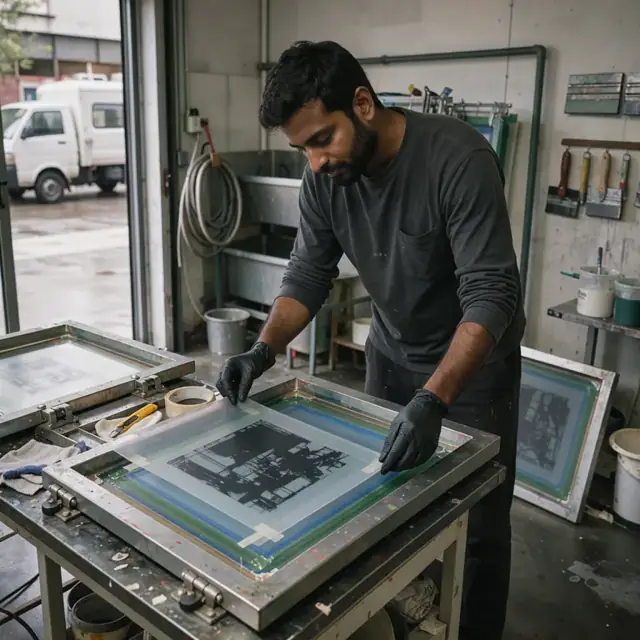
Prepare, burn, inspect and track all screens needed for each production run.
Works in: Ambitious Tasks, Ambitious Sheets, Ambitious Docs · Workflows: Screen preparation and emulsion
Automates
- Generates burn files from separated artwork
- Creates screen labels with job and color information
- Tracks screen usage and schedules reclaiming
- Builds checklists for coating and exposure
Stops for a person
- The printer inspects every screen for defects before use
- Emulsion and mesh selection choices are confirmed by the printer
Inventory Manager
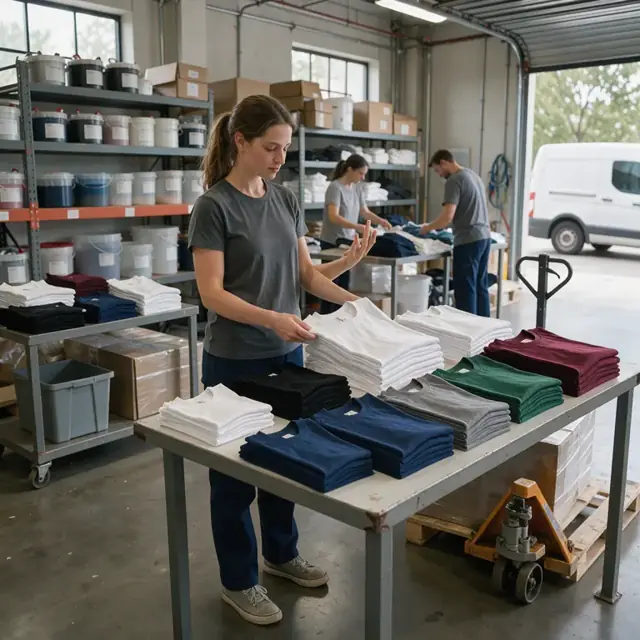
Track blank garments, inks and supplies and generate reorder lists from the production schedule.
Works in: Ambitious Sheets, Ambitious Tasks · Workflows: Ink, blank and supply inventory
Automates
- Calculates required blanks and ink volumes from the schedule
- Subtracts current stock and flags low items
- Drafts purchase lists by supplier
- Logs waste and usage for each run
Stops for a person
- The owner places all purchases and spends money
- The printer confirms ink formulas and specialty blank orders
Press Operator Assistant
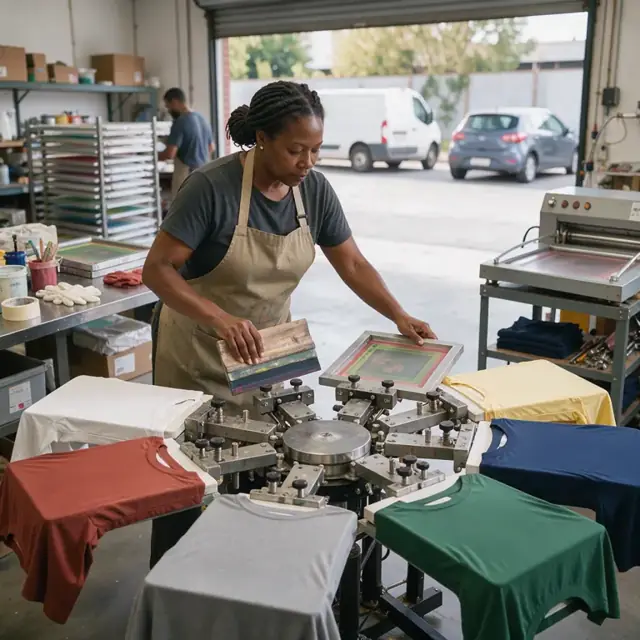
Monitor press runs, record quality checks and flag any defects or adjustments needed.
Works in: Ambitious Tasks, Ambitious Sheets, Process Optimizer · Workflows: Press operation and quality control
Automates
- Generates first-article inspection checklists
- Logs curing temperatures and times
- Tracks production counts against order quantities
- Flags jobs that need rework
Stops for a person
- The printer performs all press setup and registration
- The printer performs final quality approval before items move to finishing
Finishing and Shipping Coordinator
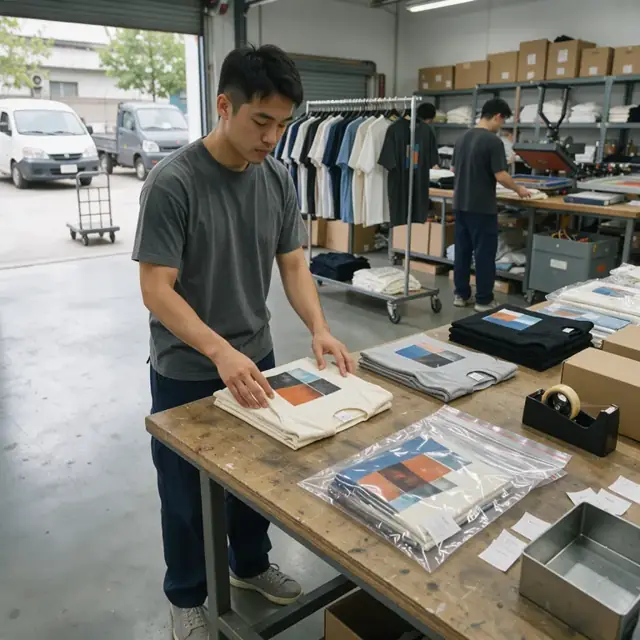
Organize post-print folding, tagging, packaging and prepare all shipping documents.
Works in: Ambitious Tasks, Ambitious Docs, Email Buckets · Workflows: Finishing, folding and shipping
Automates
- Generates packing slips and labels from completed orders
- Groups items by customer for combined shipments
- Drafts shipping notifications
- Updates inventory with finished quantities
Stops for a person
- A person performs the final fold, tag and pack steps
- The owner approves and sends all customer communications and invoices
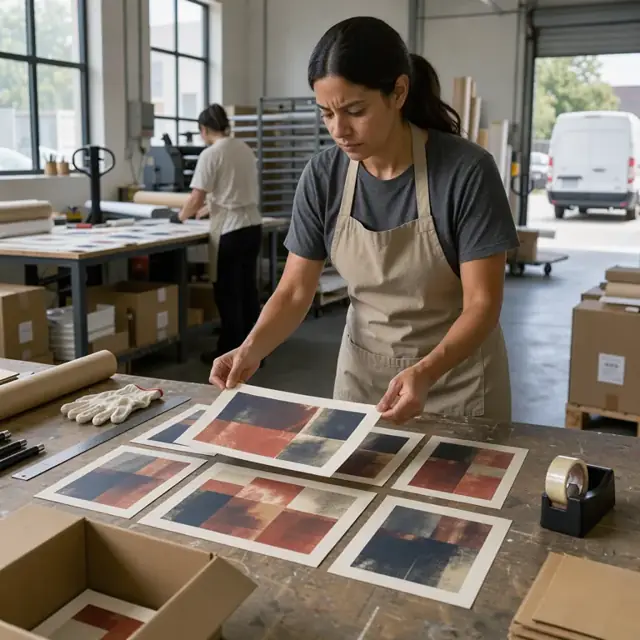
Customer Success Specialist
Follow up after delivery, remind customers of reorders and manage artwork archives.
Works in: Ambitious Tasks, Email Buckets, Ambitious Docs · Workflows: Customer follow-up and reorders
Automates
- Drafts satisfaction and reorder reminder messages
- Pulls previous order details and art files
- Organizes seasonal reorder campaigns
- Tracks customer preferences for print types and colors
Stops for a person
- The owner reviews and approves every message before sending
- The printer confirms technical feasibility of reorder suggestions
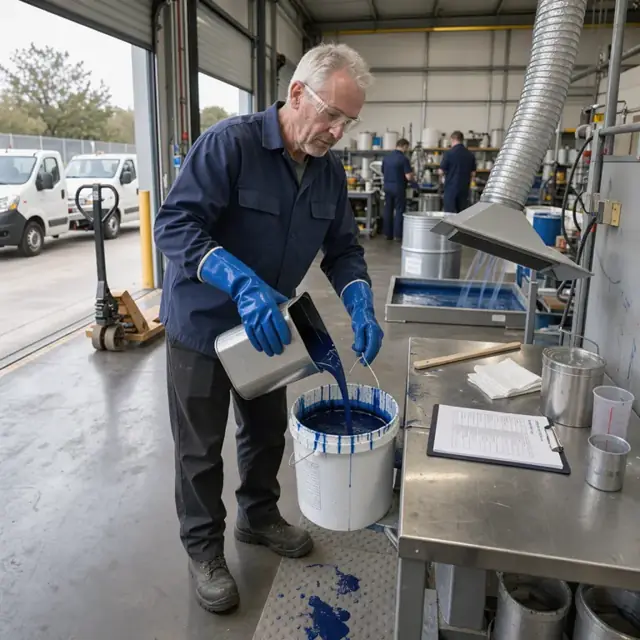
Safety and Permit Clerk
Run daily safety checklists, log waste disposal and keep permits, licenses and safety data sheets current.
Works in: Ambitious Tasks, Ambitious Docs, Ambitious Sheets · Workflows: Safety, waste and permit paperwork
Automates
- Generates daily safety checklists
- Logs solvent and waste volumes by type
- Warns before permits, licenses or insurance lapse
- Keeps safety data sheets organized by chemical
Stops for a person
- The owner confirms which local rules apply
- Inspections and corrective actions are handled by people
- The bot never certifies compliance
Workflows
Artwork intake and separation
Starts when: A customer submits an order with artwork by email, form or upload
- Capture the item type, quantity, colors, sizes, print locations and any special instructions
- Convert artwork to print-ready format and separate by color layers
- Draft a digital proof showing registration and color placement
- Check against shop capabilities and material availability
- Create a production task with all specifications attached
Watch for: Artwork must match exact PMS colors or customer swatches; Changes after proof approval require new screens or additional charges
Production scheduling and press planning
Starts when: After artwork approval and on a daily or weekly basis
- Group pending orders by ink set, substrate color and print type to reduce changeovers
- Assign jobs to specific presses and operators based on size and color count
- Calculate setup time, print time, flash curing and drying requirements
- Reserve screen burning and reclaiming capacity
- Draft a weekly press schedule for review
Watch for: Multi-station presses have limited simultaneous color capacity; Curing time varies by ink type and garment thickness
Screen preparation and emulsion
Starts when: After scheduling a print run
- Burn or expose screens from separated artwork files
- Apply and dry emulsion on new or reclaimed screens
- Inspect for pinholes or defects before taping
- Label each screen with job number, color and order details
- Track screen life and schedule reclaiming after use
Watch for: Screen mesh count must match ink and substrate requirements; Emulsion and ink compatibility must be verified
Ink, blank and supply inventory
Starts when: After scheduling and at the start of each week
- Explode the production schedule into required blank garments by size and color
- Calculate ink volumes by color and job
- Subtract current stock levels and draft purchase or transfer lists
- Track emulsion, tape, squeegees and cleanup supplies
- Log waste ink and rags for disposal tracking
Watch for: Blanks must be stored to prevent wrinkles and dust; Inks have shelf life and must be mixed in small batches
Press operation and quality control
Starts when: Start of each scheduled print run
- Load prepared screens onto the press in color order
- Set registration, off-contact and pressure for the first article
- Run the batch while monitoring for defects and curing
- Pull samples for quality inspection after curing
- Record any adjustments and flag rework
Watch for: Registration must be checked on every color change; Curing temperature and dwell time are critical for wash durability
Finishing, folding and shipping
Starts when: After each batch is cured and passes inspection
- Fold, tag and bag finished items according to order specs
- Combine multiple items for the same customer into one package
- Generate packing slips, shipping labels and invoices
- Draft shipment notifications and tracking updates
- Update inventory with completed quantities
Watch for: Garments must be cooled completely before folding to prevent ink offsetting; Specialty items may require custom packaging
Customer follow-up and reorders
Starts when: After delivery and on seasonal cadences
- Draft order completion and satisfaction request
- Remind business customers of upcoming seasonal or annual runs
- Track previous art files and color formulas for fast reorders
- Draft upsell offers for related products or larger quantities
Watch for: Never send customer communications without approval; Artwork files remain the property of the customer or shop per agreement
Safety, waste and permit paperwork
Starts when: Every production day and on renewal dates
- Generate daily safety checklist covering ventilation, PPE, ink handling and fire prevention
- Log solvent and waste ink disposal volumes by type
- Track permit, business license and insurance renewal dates
- Maintain current safety data sheets for all inks and chemicals
Watch for: Rules differ by city, county and state for hazardous waste and air quality; The printer confirms which permits and disposal methods apply
Bot templates for this industry
- Commercial Screen Printing (8 bots)
Source: U.S. Small Business Administration, Office of Size Standards, Table of Small Business Size Standards Matched to North American Industry Classification System Codes, version March 2023 (effective 2023-03-17, NAICS 2022). Size standards are shown for reference only.