

Office Supplies and Stationery Retailers
Office supply and stationery retailers manage in-store, phone, online and custom orders for paper, pens, ink, toner, envelopes, notebooks, labels, printers and filing supplies. Specialists turn requests into priced orders, track physical inventory across SKUs with reorder points, schedule vendor deliveries and restocking, prepare custom print jobs, handle fulfillment routing for pickup or delivery, plan seasonal promotions and displays, and track resale permits, sales-tax records and vendor paperwork. Recipes, pricing and final decisions stay with the owner.
What makes this business different
- Hundreds of SKUs with varying pack sizes, brands, weights and substitutable items such as different paper stocks or compatible ink cartridges
- Seasonal demand spikes for back-to-school, tax season, holidays and year-end office moves
- Shared inventory for in-store, curbside, delivery and ship-to-customer orders that must be pulled from the same stock
- Custom printing jobs that require artwork files, customer proof approval and production scheduling
- Vendor-managed inventory programs, rebates, lead times and minimum order quantities for high-volume items like toner and copy paper
- Resale certificates, sales-tax collection by jurisdiction, shelf-tag pricing and expired-product returns
- Showroom floor plan changes, end-cap displays and in-store events that affect stock placement and staff scheduling
Specialist bots
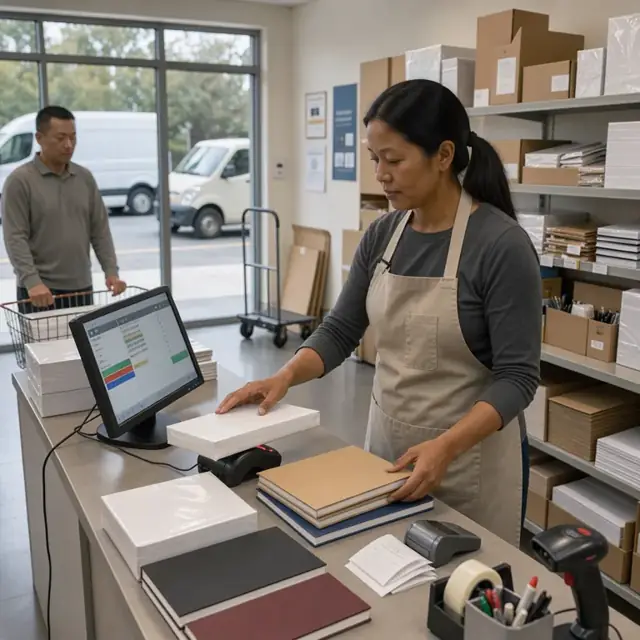
Order Taker
Convert every customer request into a priced, confirmed order with all specifications attached.
Works in: Ambitious Tasks, Ambitious Docs, Email Buckets · Workflows: Order intake and quoting
Automates
- Reads incoming messages, forms and cart data
- Looks up current inventory and pricing
- Drafts order confirmations and print proofs
- Creates fulfillment tasks with attached artwork
Stops for a person
- The owner approves any custom pricing or substitutions
- Customers must sign off on print proofs before production
- A person sends final confirmations and collects payment
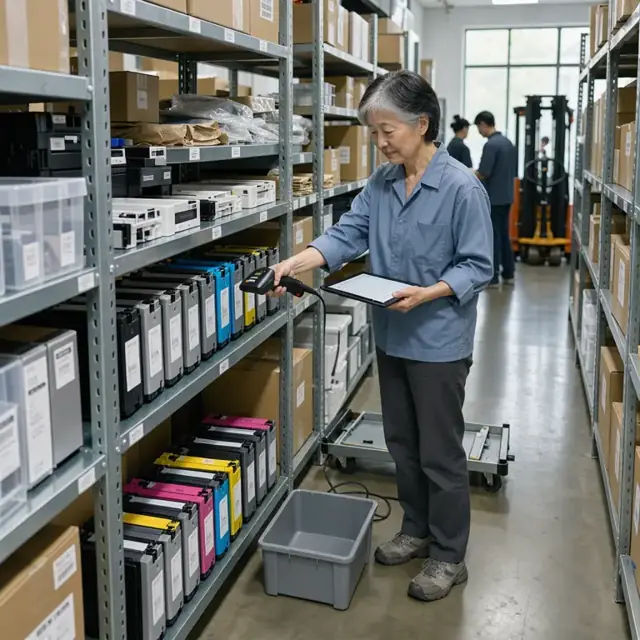
Inventory Manager
Monitor stock levels across all SKUs and prepare accurate vendor replenishment orders.
Works in: Ambitious Sheets, Ambitious Tasks, Process Optimizer · Workflows: Inventory replenishment and vendor orders
Automates
- Compares current counts to reorder points
- Groups items by supplier and calculates order quantities
- Accounts for lead times and minimums
- Updates bin locations after receipts
- Flags items for clearance
Stops for a person
- The owner places and pays for all purchase orders
- Vendor substitutions that affect quality must be approved by the owner

Print Production Coordinator
Schedule and track custom printing jobs from approved proof through finishing and delivery.
Works in: Ambitious Tasks, Ambitious Docs · Workflows: Custom print job production
Automates
- Prepares production queue and material requirements
- Generates quality-check steps and labels
- Notifies customer when job is ready
- Adjusts inventory for materials consumed
Stops for a person
- A person performs final quality inspection on printed materials
- The owner approves any rush scheduling or pricing

Store Restocking Coordinator
Maintain orderly shelves, update displays and ensure correct pricing signage throughout the store.
Works in: Ambitious Tasks, Ambitious Sheets · Workflows: Daily store restocking and floor plan maintenance
Automates
- Generates daily restock pick lists from sales data
- Creates checklists for signage and display changes
- Tracks damaged or missing items
- Suggests layout adjustments for seasonal promotions
Stops for a person
- Staff physically place items and verify shelf appearance
- The owner approves all promotional displays and pricing changes
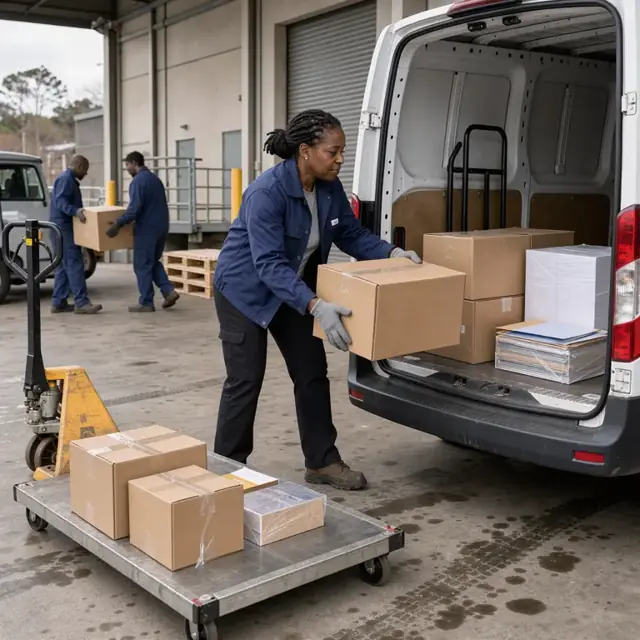
Fulfillment and Delivery Dispatcher
Organize picked orders for pickup, curbside or delivery and create efficient routes.
Works in: Ambitious Tasks, Ambitious Docs · Workflows: Order fulfillment and delivery dispatch
Automates
- Groups orders by method and geographic zone
- Builds delivery sequences and time windows
- Generates packing slips and labels
- Updates status as orders move from picked to completed
Stops for a person
- Drivers adjust routes for traffic or customer availability
- A person verifies high-value orders before release
- Messages to customers are approved before sending

Promotion and Event Planner
Prepare seasonal promotions, in-store events and marketing materials tied to inventory forecasts.
Works in: Ambitious Docs, Ambitious Sheets, Ambitious Tasks · Workflows: Promotion and event planning
Automates
- Identifies items for bundles and discounts
- Drafts email and signage content
- Forecasts extra stock needed for events
- Tracks coupon usage and vendor co-op requirements
Stops for a person
- The owner approves all pricing, offers and event schedules
- Vendor marketing claims are reviewed and submitted by people

Compliance and Tax Clerk
Compile daily sales data, prepare tax reports, track permits and maintain vendor compliance records.
Works in: Ambitious Sheets, Ambitious Docs, Ambitious Tasks · Workflows: Tax, permit and vendor compliance
Automates
- Summarizes sales by tax jurisdiction
- Prepares resale certificate templates
- Tracks license and insurance renewal dates
- Organizes rebate and disposal documentation
Stops for a person
- The owner reviews and files all tax returns and permit applications
- People confirm which local rules apply and handle any audits
- The bot never certifies compliance
Workflows
Order intake and quoting
Starts when: Customer submits request in-store, by phone, email, form or online cart
- Capture item numbers or descriptions, quantities, custom printing details, delivery or pickup needs
- Check current inventory and note substitution options for out-of-stock items
- Pull current pricing including any volume discounts
- Draft order confirmation with subtotal, estimated tax and proof for custom work
- Create a fulfillment task with all specifications and attached files
Watch for: Artwork files and print specifications must be captured exactly as the customer intends; Custom jobs require customer approval of proofs before production begins
Inventory replenishment and vendor orders
Starts when: Daily low-stock alerts, weekly review and before seasonal peaks
- Scan current stock levels against reorder points for each SKU
- Group items by vendor and draft purchase orders with required quantities and lead times
- Account for vendor rebates, minimum order values and expected delivery windows
- Record incoming shipments, update bin locations and rotate stock
- Flag slow-moving or near-expired items for clearance or return
Watch for: Paper, ink and toner have shelf-life considerations and must be rotated using first-in first-out; Large furniture or printer deliveries require scheduling of receiving time
Custom print job production
Starts when: Customer approves proof for business cards, letterhead, stamps or labels
- Pull correct blank stock and prepare printer or press queue
- Schedule production run with quantity, finishing and binding steps
- Generate quality-check checklist and packaging labels
- Notify customer of completion and schedule pickup or delivery
- Update inventory for consumed blank stock and any waste
Watch for: Print quality and color matching must be verified before full production run; Finishing options such as cutting, binding or embossing add separate production steps
Daily store restocking and floor plan maintenance
Starts when: Morning before opening and after each shift
- Identify empty or low shelves from overnight sales data
- Generate pick list from back room and pull replacement stock
- Update shelf tags and signage for current promotions
- Rearrange end-cap displays for seasonal campaigns
- Log any damaged packaging or missing price labels
Watch for: Floor layout changes for back-to-school or holiday seasons must be planned in advance; Heavy items such as copy paper cases require safe lifting procedures
Order fulfillment and delivery dispatch
Starts when: Daily after cutoff for same-day pickup or delivery orders
- Group orders by pickup, curbside, local delivery or ship method
- Assign to staff or build route using scheduling logic
- Print packing slips, labels and any required customs forms
- Track each order status from pulled to delivered or shipped
- Record any shortages, substitutions or customer notes
Watch for: Temperature-sensitive items such as ink cartridges must be kept out of direct sun during delivery; Signature capture or release authorization needed for high-value orders
Promotion and event planning
Starts when: Weekly, monthly and before seasonal peaks such as back-to-school
- Identify items for featured promotions or bundle offers based on inventory levels
- Draft marketing emails, in-store signage copy and social posts
- Schedule in-store demonstrations or vendor events and required staffing
- Forecast additional inventory needed for the event period
- Track redemption of coupons or special pricing
Watch for: Vendor co-op marketing funds require specific signage and reporting; Events may require extra staffing and temporary layout changes
Tax, permit and vendor compliance
Starts when: End of each sales day, monthly and on renewal dates
- Compile daily sales totals by jurisdiction
- Generate resale certificate requests for qualifying customers
- Track vendor rebate claims, return authorizations and disposal logs
- Monitor expiration dates for business licenses and insurance
- Prepare summary reports for owner review
Watch for: Sales-tax rules differ by city, county and state for shipped versus in-store sales; The owner confirms which requirements apply and files all tax and permit documents
Bot templates for this industry
Source: U.S. Small Business Administration, Office of Size Standards, Table of Small Business Size Standards Matched to North American Industry Classification System Codes, version March 2023 (effective 2023-03-17, NAICS 2022). Size standards are shown for reference only.