

Photography Studios, Portrait
Portrait photography studios book sessions for families, seniors, newborns, pets and events. They manage studio and on-location shoots, cull and edit image batches, schedule client sales appointments, prepare print and digital orders, and track equipment, permits and releases. Specialists turn inquiry messages into booked sessions with the right package and location, turn shoot-day images into edited galleries for review, and turn client selections into production orders, invoices and delivery. The photographer confirms creative direction, lighting setups, final image approvals and any custom requests.
What makes this business different
- Custom session types with specific props, backdrops, locations, outfits and timing such as newborn safety protocols or pet behavior needs
- Shoot schedules that mix studio, outdoor and on-location work with weather, season and daylight dependencies
- High-volume raw image batches that must be culled, edited and delivered in consistent styles matching the studio brand
- Client proofing and sales appointments where selections determine print sizes, digital packages, albums and framing
- Equipment inventory including cameras, lenses, lighting, backdrops and props with calibration, insurance and maintenance logs
- Releases, location permits, insurance certificates and minor model releases that must be collected and filed before each shoot
- Repeat and referral clients who book seasonal sessions such as holidays, school pictures or milestone events
Specialist bots

Booking Coordinator
Turn every client inquiry into a confirmed session with complete details, releases and prep list.
Works in: Ambitious Tasks, Ambitious Docs, Email Buckets · Workflows: Inquiry and session booking
Automates
- Reads incoming inquiries and extracts session type, date preferences, location and special requests
- Checks studio calendar for availability against photographer schedule and daylight
- Drafts proposals with package options, pricing and required release forms
- Creates the booking task with all captured information and prep checklist
Stops for a person
- The photographer confirms creative feasibility and custom requests
- A person sends the final booking confirmation and handles payment deposits
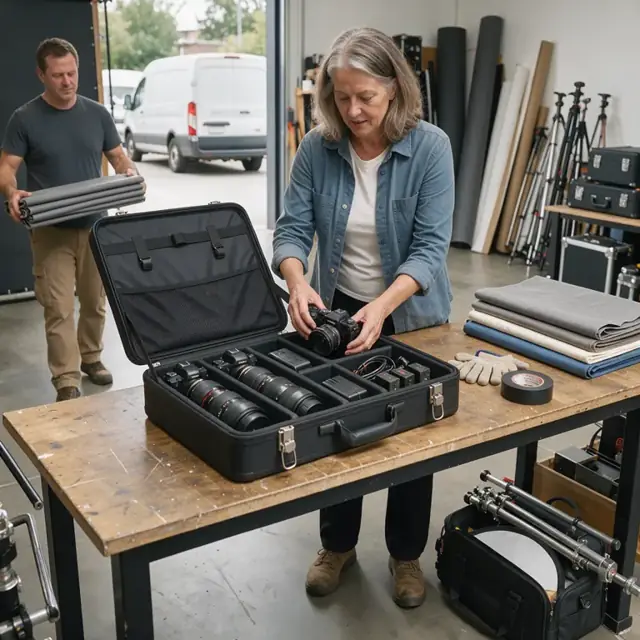
Shoot Prep Specialist
Prepare each session with the correct gear, client instructions, releases and location requirements.
Works in: Ambitious Tasks, Ambitious Docs, Ambitious Sheets · Workflows: Pre-shoot preparation and equipment check
Automates
- Generates the session-specific checklist, packing list and lighting plan
- Confirms all releases, permits and insurance certificates are collected
- Tracks equipment readiness, battery status and memory card formatting
- Drafts client reminder messages with prep instructions
Stops for a person
- The photographer reviews and approves the lighting, prop and safety plan
- A person physically inspects and packs all gear before leaving the studio
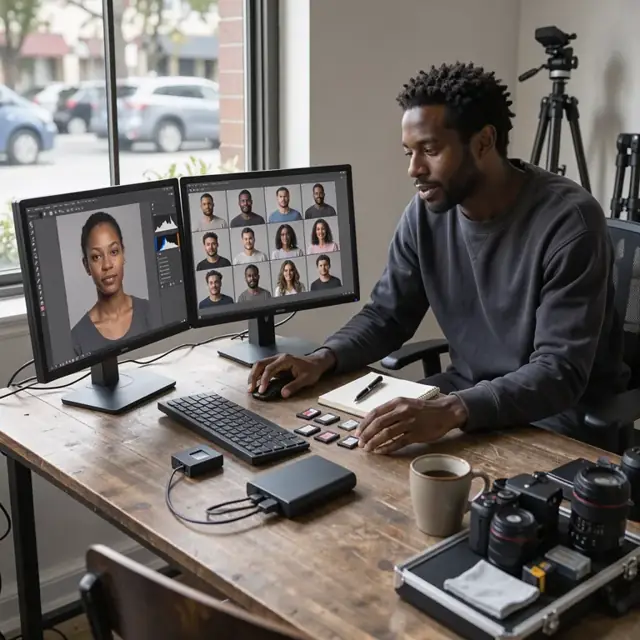
Image Technician
Ingest, cull and edit raw images into a consistent studio-style gallery for client review.
Works in: Ambitious Tasks, Ambitious Docs, Process Optimizer · Workflows: Shoot day workflow and image ingestion, Image culling, editing and gallery preparation
Automates
- Imports and organizes raw files with standardized naming and creates backups
- Culls images based on technical quality, expression and composition rules
- Applies batch edits and studio presets for color, exposure and retouching
- Builds the watermarked proof gallery and selection guide
Stops for a person
- The photographer makes final creative selections and adjustments
- A person verifies the edited gallery matches the studio brand before sending

Client Sales and Review Host
Guide clients through gallery review, help them select images and finalize print and digital orders.
Works in: Ambitious Tasks, Ambitious Docs, Email Buckets · Workflows: Client review and order finalization
Automates
- Schedules the review appointment and sends secure gallery access
- Prepares the product menu, pricing sheet and order template for the call
- Drafts the order summary with selected items, sizes and totals
- Creates the production task once selections are finalized
Stops for a person
- The photographer leads the creative discussion during the sales appointment
- A person approves and sends the final invoice and collects payment

Production and Fulfillment Coordinator
Turn approved client orders into finished prints, albums and digital packages ready for delivery.
Works in: Ambitious Tasks, Ambitious Docs, Ambitious Sheets · Workflows: Order production and fulfillment
Automates
- Exports final files with correct color profiles and required metadata
- Tracks order status through lab printing, in-house assembly and packaging
- Prepares shipping labels, pickup notifications and delivery instructions
- Updates the order log with final delivery confirmation
Stops for a person
- The photographer inspects print quality and final products before packaging
- A person packages, ships or hands off all physical orders
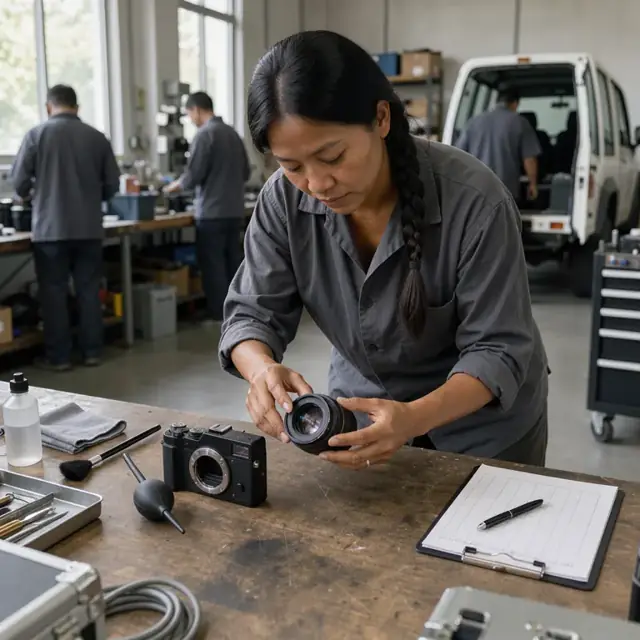
Equipment and Asset Manager
Track all cameras, lenses, lighting and consumables and schedule maintenance and reorders.
Works in: Ambitious Sheets, Ambitious Tasks, Ambitious Docs · Workflows: Equipment and asset tracking
Automates
- Maintains the equipment inventory list with usage logs and condition notes
- Flags items due for calibration, inspection or firmware updates
- Generates reorder lists for consumables, batteries and supplies
- Schedules seasonal maintenance and storage tasks
Stops for a person
- The photographer performs all equipment inspections, cleaning and maintenance
- A person approves and places all equipment and supply orders
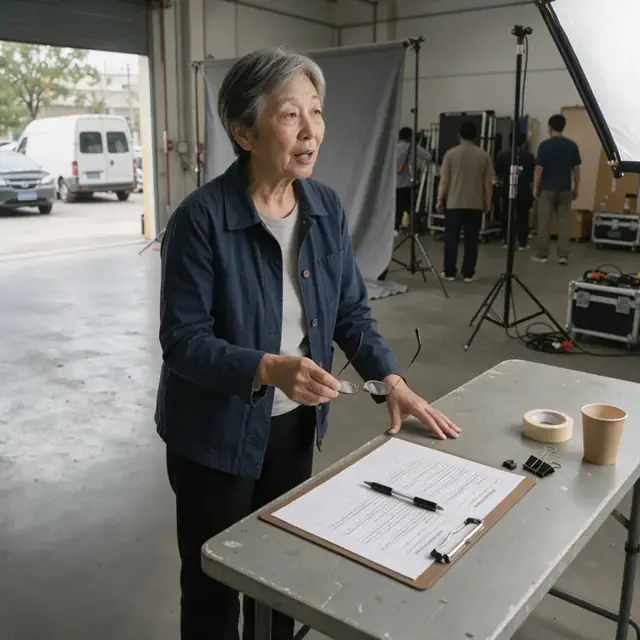
Releases and Permits Clerk
Collect, track and file all model releases, location permits and insurance documents before every shoot.
Works in: Ambitious Tasks, Ambitious Docs, Ambitious Sheets · Workflows: Releases, permits and compliance paperwork
Automates
- Generates the pre-shoot paperwork checklist for each session
- Tracks expiration dates for insurance, licenses and permits
- Files signed releases and permits in the correct client or location folder
- Drafts renewal reminders for documents coming due
Stops for a person
- The photographer confirms which location permits and releases are needed
- A person reviews and collects all signatures before the shoot begins
- People confirm all requirements are met
Workflows
Inquiry and session booking
Starts when: A potential client sends an inquiry by email, form, text or direct message
- Capture session type, number of subjects, preferred dates, location, props and any special requests such as newborn safety or pet needs
- Check availability against the studio calendar, photographer schedule and daylight hours
- Match the request to available packages and add-ons such as prints, albums or extra time
- Draft a proposal with date options, pricing, required releases and prep notes
- Create a booking task with all client details, prep list and contract draft
Watch for: Newborn and child sessions require exact timing and parent notes on feeding or nap schedules; Location shoots need weather contingency plans and permit confirmation before booking
Pre-shoot preparation and equipment check
Starts when: 48 hours before each confirmed session
- Generate a session checklist including wardrobe guidance, prop list, lighting plan and safety notes
- Confirm client details, signed releases, location permits and insurance certificates
- Pull, inspect and format cameras, lenses, batteries, memory cards, lighting, backdrops and specialty props
- Draft a packing list for studio or location work and note any rental needs
- Send final confirmation message with prep instructions and weather backup plan
Watch for: Specialty gear such as newborn bean bags or pet treats must be clean and ready; Battery charging and card formatting must be completed the day before
Shoot day workflow and image ingestion
Starts when: Morning of each scheduled session
- Load the daily shoot schedule, client notes and checklist into a mobile task list
- Capture images and immediately ingest raw files to a session folder with consistent naming convention
- Log shoot details including lighting setup, location notes, deviations and safety observations
- Flag any technical issues such as equipment malfunction for immediate review
- Collect and scan any on-site model releases or payments when required
Watch for: Outdoor sessions depend on natural light and weather changes that may require schedule shifts; Multiple sessions in one day require quick turnaround between clients and equipment resets
Image culling, editing and gallery preparation
Starts when: Within 48 hours after each shoot
- Import raw files, create backup copies and verify all images transferred
- Cull images for technical quality, expression, composition and client preferences
- Apply studio style presets and batch adjustments for color, exposure and basic retouching
- Assemble a client gallery with watermarked proofs and embed a selection guide
- Prepare pricing menu for the sales appointment and draft the review invitation
Watch for: Consistent editing style across all images must match the studio look; High-resolution files require significant storage and backup management
Client review and order finalization
Starts when: After gallery is delivered and on a scheduled sales call
- Schedule the gallery review appointment and send secure access link
- Present images during the call, guide selections and upsell prints, albums or digital packages
- Draft the order with exact sizes, quantities, products, framing options and total price
- Collect payment and confirm delivery preferences or pickup time
- Create a production task with final image selections and client specifications
Watch for: Clients often need guidance to choose the best images and products; Album and framing orders require exact specifications and client proofs
Order production and fulfillment
Starts when: After client order is approved and paid
- Export final high-resolution files with correct color profiles and metadata
- Send files to print lab or prepare in-house printing for specified products
- Assemble albums, frames, mounted prints or secure digital delivery packages
- Prepare shipping labels, pickup notifications and delivery instructions
- Update order status, record delivery confirmation and close the task
Watch for: Print quality must be verified before client delivery; Digital files require secure private gallery or download links with expiration
Equipment and asset tracking
Starts when: Weekly and after each major shoot
- Log equipment usage from the shoot schedule and flag items needing calibration or maintenance
- Update insurance inventory list with serial numbers, values and current condition
- Track consumables such as batteries, gels, backdrops, cleaning supplies and prop inventory
- Schedule seasonal equipment deep cleaning, firmware updates and off-season storage
- Draft reorder list for any depleted items or upcoming needs
Watch for: Professional cameras and lenses require regular sensor cleaning and firmware updates; Seasonal storage protects gear from temperature and humidity changes
Releases, permits and compliance paperwork
Starts when: Before every shoot and on renewal dates
- Generate the pre-shoot paperwork checklist including model releases, property releases and location permits
- Track expiration dates for insurance certificates, business licenses and any seasonal permits
- File all signed releases and permits in the client or location folder
- Draft renewal reminders for insurance, licenses and equipment certifications
- Confirm all required documents are collected before the shoot begins
Watch for: Rules for location permits vary by city, park or private property; Minor model releases require guardian signatures and specific wording
Bot templates for this industry
- Photography Studios, Portrait (7 bots)
- Photography Studios (3 bots)
Source: U.S. Small Business Administration, Office of Size Standards, Table of Small Business Size Standards Matched to North American Industry Classification System Codes, version March 2023 (effective 2023-03-17, NAICS 2022). Size standards are shown for reference only.