

Security Systems Services (except Locksmiths)
Security systems services companies design, install, monitor and maintain electronic security and alarm systems for commercial and residential sites. For a firm that sells, installs and services camera, access control and intrusion systems, the specialists turn leads into site surveys and proposals, proposals into approved contracts and install schedules, install plans into parts orders and technician routes, and service tickets into maintenance schedules. System programming, code compliance and monitoring station handoffs stay with the licensed technicians.
What makes this business different
- Site-specific system design that accounts for building layout, existing infrastructure, power sources and environmental factors
- Permits, inspections and local authority having jurisdiction approvals required before and after installation
- Coordinated scheduling with customers, general contractors and subcontractors for access to sites
- Inventory of cameras, panels, sensors, wiring and specialized tools tracked across multiple job sites
- Technician dispatch with proper licensing, vehicle equipment and safety protocols
- Documentation of as-built drawings, programming parameters, test results and warranty information
- Ongoing service agreements, remote monitoring coordination and recurring maintenance visits
- Compliance paperwork including certificates of completion, insurance and licensing renewals
Specialist bots

Lead Intake Coordinator
Convert every inbound inquiry into a scheduled site survey with complete customer and property details.
Works in: Ambitious Tasks, Email Buckets, Ambitious Docs · Workflows: Lead intake and site survey scheduling
Automates
- Reads and categorizes incoming inquiries from all channels
- Pulls property type and system requirements from messages
- Checks technician availability and drafts survey confirmations
- Creates standardized survey preparation tasks
Stops for a person
- A person reviews and approves all survey confirmations before sending
- Sales leadership decides on non-standard site visits

Proposal and Contract Builder
Transform site survey results into accurate equipment lists, labor estimates and customer proposals.
Works in: Ambitious Sheets, Ambitious Docs, Contract Analyzer · Workflows: Proposal and contract preparation
Automates
- Builds bill of materials from survey findings
- Calculates labor hours based on site complexity
- Drafts complete proposal documents with terms
- Prepares contract templates for signature
Stops for a person
- A person reviews and adjusts all pricing before proposals are sent
- A licensed technician verifies technical specifications

Permit and Approval Specialist
Prepare, submit and track all required permits and authority approvals for each installation.
Works in: Ambitious Docs, Ambitious Tasks, Ambitious Sheets · Workflows: Permit acquisition and authority approvals
Automates
- Identifies required permits based on location and system type
- Compiles application packages with drawings and credentials
- Tracks submission status and renewal dates
- Maintains records of issued permits and scheduled inspections
Stops for a person
- A licensed professional reviews all technical submissions
- A person confirms jurisdiction-specific requirements
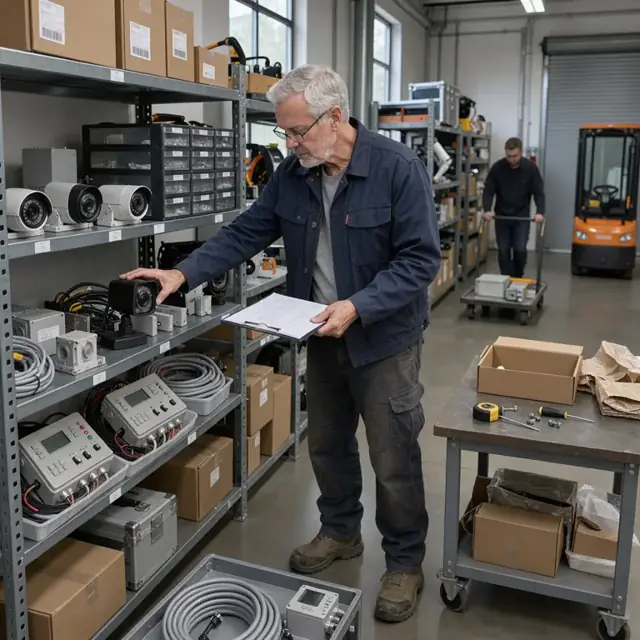
Equipment Procurement Coordinator
Convert approved system designs into accurate purchase orders and maintain job-specific inventory.
Works in: Ambitious Sheets, Ambitious Tasks, Ambitious Docs · Workflows: Equipment procurement and job inventory
Automates
- Generates bills of materials from design specifications
- Checks current stock across warehouse and vehicles
- Drafts supplier orders with required delivery dates
- Allocates and reserves parts for scheduled jobs
Stops for a person
- A person approves all purchase orders before they are sent
- Technicians confirm equipment condition upon receipt

Installation Scheduler and Dispatcher
Match technician skills to jobs, create daily routes and prepare complete installation packets.
Works in: Ambitious Tasks, Ambitious Docs · Workflows: Installation scheduling and dispatch
Automates
- Assigns technicians based on certifications and location
- Builds optimized daily routes with time windows
- Compiles job packets with all necessary documentation
- Sends customer arrival notifications
Stops for a person
- Lead technicians review and approve their daily schedules
- A person confirms scheduling for high-value or complex projects
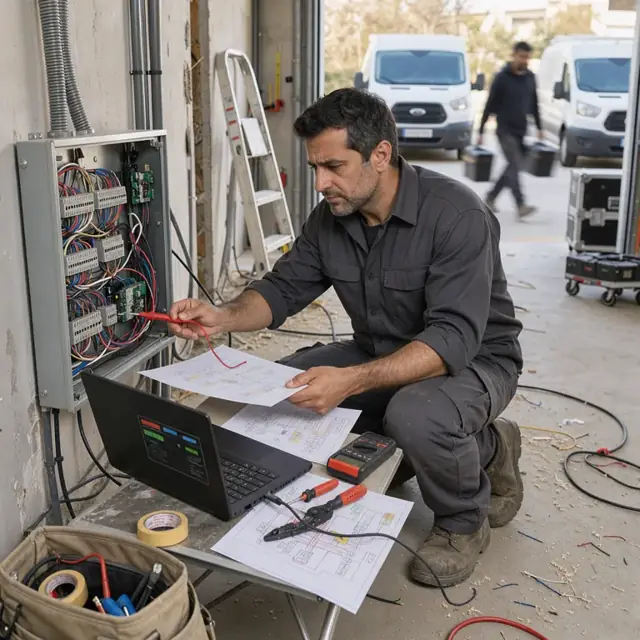
Service and Maintenance Coordinator
Process customer service requests, schedule responses and track maintenance activities.
Works in: Ambitious Tasks, Ambitious Docs, Email Buckets · Workflows: Service ticket processing and maintenance
Automates
- Categorizes incoming service requests by urgency and coverage
- Checks warranty and service agreement status
- Schedules technician visits based on priority
- Documents service outcomes and follow-up needs
Stops for a person
- Technicians approve all remote diagnostic recommendations
- A person reviews any warranty claim documentation

Monitoring and Compliance Clerk
Prepare monitoring station account information, test results and required compliance documentation.
Works in: Ambitious Docs, Ambitious Tasks, Ambitious Sheets · Workflows: Monitoring station and account setup
Automates
- Compiles programming and zone data for monitoring providers
- Organizes test result documentation
- Prepares customer instruction packets
- Tracks compliance and warranty documentation
Stops for a person
- A licensed technician verifies all programming parameters before transmission
- A person confirms monitoring contracts before activation
Workflows
Lead intake and site survey scheduling
Starts when: A prospect inquires by phone, email, web form or referral
- Capture contact details, property type, desired system components and timeline
- Check against current technician availability and travel radius
- Draft and send site survey confirmation with required access information
- Create a survey task with customer notes and preliminary requirements
- Log the lead status for follow-up tracking
Watch for: Different survey requirements for commercial versus residential properties; Access constraints such as business hours or occupied spaces
Proposal and contract preparation
Starts when: Site survey completed and notes entered
- Review survey findings against standard system options and customer requirements
- Build equipment list, labor estimate and project timeline
- Draft full proposal with scope, pricing, terms and warranty details
- Prepare contract documents for review
- Send proposal package for customer signature
Watch for: Accurate equipment selection based on site conditions and local codes; Pricing must reflect current supplier costs and installation variables
Permit acquisition and authority approvals
Starts when: Contract signed and deposit received
- Identify all required permits and jurisdictions for the specific site
- Compile documentation including drawings, product specifications and installer credentials
- Submit applications through required portals or in-person
- Track approval timelines and follow up on requests for additional information
- Record issued permits and inspection dates
Watch for: Rules vary significantly by municipality and building type; Some jurisdictions require licensed professional stamps on drawings
Equipment procurement and job inventory
Starts when: Permit approved and installation date scheduled
- Generate bill of materials from the approved system design
- Check against current warehouse stock and technician van inventory
- Draft purchase orders for suppliers with delivery deadlines
- Allocate and stage equipment for the specific job
- Update inventory records as items are assigned or received
Watch for: Specialized equipment with long lead times must be ordered early; Compatibility between new and existing customer systems
Installation scheduling and dispatch
Starts when: All permits secured and equipment confirmed on hand
- Match technician certifications and experience to job requirements
- Build daily route and time windows accounting for travel and access constraints
- Prepare job packet with drawings, programming templates and test sheets
- Send customer notification with scheduled arrival window
- Create dispatch task for the lead technician
Watch for: Multiple technicians often required for larger commercial installs; Coordination with other trades on active construction sites
Service ticket processing and maintenance
Starts when: Customer reports issue or scheduled maintenance interval reached
- Capture reported symptoms, system type and site details
- Check warranty status and service agreement coverage
- Assign priority and schedule technician response
- Document resolution steps and parts used
- Update maintenance records and schedule next visit if applicable
Watch for: Response time commitments differ between monitored and non-monitored systems; Remote diagnostics available for certain equipment
Monitoring station and account setup
Starts when: Installation completed and tested
- Compile system programming parameters and zone information
- Prepare monitoring account setup documents
- Coordinate with central station for account activation
- Document test signals and communication paths
- Create customer monitoring instructions and emergency contact list
Watch for: Different monitoring providers have specific data requirements; False alarm prevention documentation required by many jurisdictions
Bot templates for this industry
Source: U.S. Small Business Administration, Office of Size Standards, Table of Small Business Size Standards Matched to North American Industry Classification System Codes, version March 2023 (effective 2023-03-17, NAICS 2022). Size standards are shown for reference only.