

Historical Sites
Historical sites manage timed visitor admissions, guided tours, school bookings, living-history events, grounds and building preservation, daily opening and closing routines, on-site retail and required permits. For a site that runs daily tours, group reservations and seasonal reenactments, the specialists turn reservation requests into confirmed tickets and rosters, build daily opening and closing checklists, turn work requests into permitted preservation schedules, maintain gift-shop inventory tied to visitor traffic, and prepare permit paperwork for events. Curators and site managers keep interpretive content, safety protocols and historic-preservation requirements with them.
What makes this business different
- Timed-entry reservations and group bookings that must align with daily tour capacity, staff availability and building load limits
- Seasonal operating calendars with varying hours, weather-dependent outdoor programming and living-history demonstrations
- Daily facility opening, closing and security checklists that include environmental controls for historic structures
- Maintenance and preservation work orders for buildings, grounds, pathways and artifacts that require permits, inspections and specialized materials
- On-site gift shop inventory with period-themed merchandise, admissions-linked sales tracking, supplier reorders and conservation-safe display standards
- Event permitting, insurance riders, accessibility requirements and emergency plans that differ by jurisdiction and event type
- School and tour group coordination that includes customized interpretive packets, liability waivers and teacher confirmations
Specialist bots
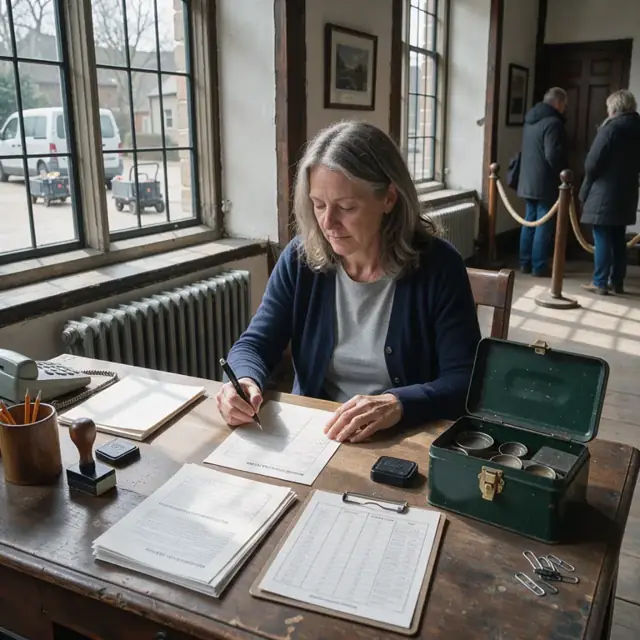
Reservation Clerk
Convert every booking request into a confirmed reservation with all visitor details captured and checked against capacity.
Works in: Ambitious Tasks, Ambitious Docs, Email Buckets · Workflows: Reservation and ticketing intake
Automates
- Reads incoming reservation messages and forms
- Checks availability against daily tour capacity and guide schedule
- Captures group type, special requests, accessibility needs and waiver status
- Drafts confirmation with directions, parking and policies
- Creates the visitor task for front-desk staff
Stops for a person
- Site manager approves any special accommodations or over-capacity requests
- A person sends final confirmations and processes payments
- Waivers are reviewed and signed by the responsible adult
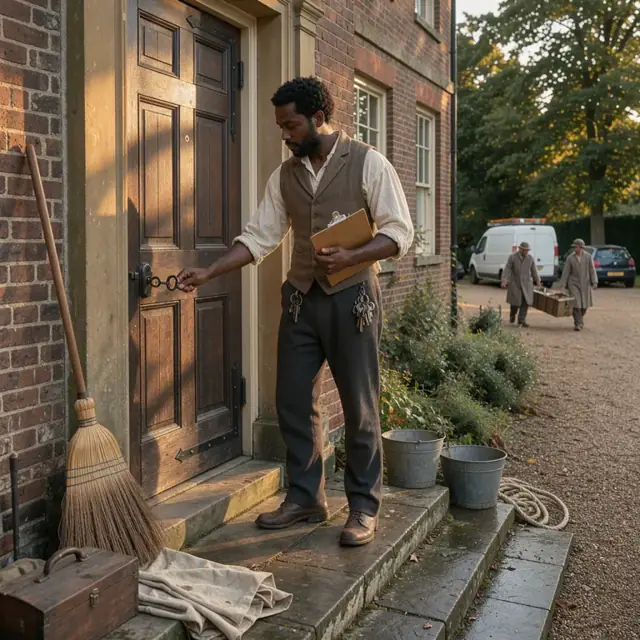
Daily Operations Attendant
Run opening and closing checklists, record daily conditions, visitor counts and environmental logs.
Works in: Ambitious Tasks, Ambitious Sheets, Ambitious Docs · Workflows: Daily site opening and closing
Automates
- Generates daily opening and closing checklists
- Logs weather observations, environmental controls and any adjustments
- Tracks visitor numbers, admissions and flags maintenance issues
- Compiles end-of-day summary report
Stops for a person
- Staff perform the physical opening, closing and security steps
- Site manager reviews daily logs and incident reports
- Curator confirms any environmental control adjustments
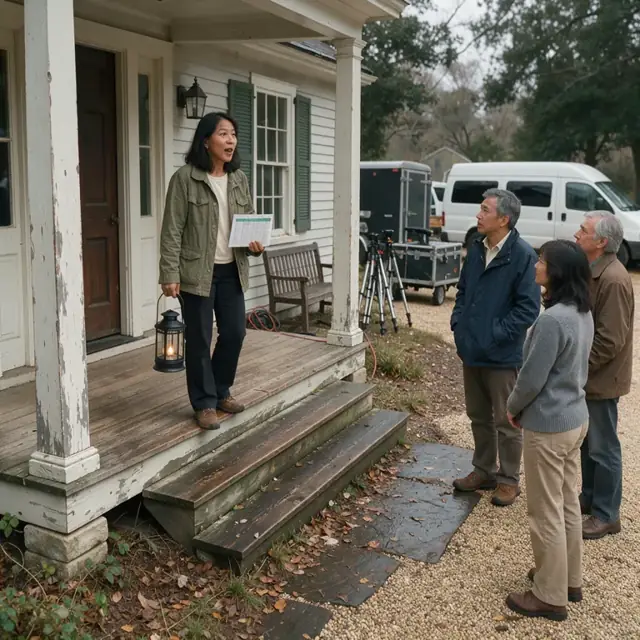
Tour and Guide Coordinator
Match reservations to certified guides, build daily tour rosters with special needs and update public calendars.
Works in: Ambitious Tasks, Ambitious Docs · Workflows: Tour and guide scheduling
Automates
- Assigns bookings to available guides and time slots
- Builds daily tour roster with group sizes and interpretive themes
- Assigns living-history roles and props where required
- Drafts schedule and calendar updates
Stops for a person
- Guides approve their assigned tours and roles
- Site manager confirms final daily schedule
- A person updates physical signage

Maintenance and Preservation Tracker
Organize work requests for historic structures and grounds into permitted weekly schedules and track documentation.
Works in: Ambitious Tasks, Ambitious Docs · Workflows: Maintenance and preservation tracking
Automates
- Compiles open maintenance and preservation requests
- Checks against permit and inspection dates and weather windows
- Builds prioritized weekly work schedule
- Tracks completion notes and follow-up documentation
Stops for a person
- Site manager approves the weekly work schedule and spending
- Curator reviews any changes affecting historic materials
- A person obtains, signs and files all permits and inspection reports

Gift Shop Inventory Steward
Track gift shop sales linked to admissions, maintain period-appropriate stock levels and draft purchase orders.
Works in: Ambitious Sheets, Ambitious Tasks, Ambitious Docs · Workflows: Gift shop inventory and purchasing
Automates
- Reviews sales data by item and season
- Calculates reorder quantities for merchandise and supplies
- Drafts purchase orders by supplier
- Updates inventory after receipts, sales and shrinkage
Stops for a person
- Site manager approves all purchase orders and spending
- Curator reviews new merchandise for historical accuracy and conservation standards
- A person physically receives, prices and displays new stock

Special Event and Permit Coordinator
Turn proposed events into detailed timelines, permit applications, insurance riders and safety checklists.
Works in: Ambitious Docs, Contract Analyzer, Ambitious Tasks · Workflows: Special event and permitting coordination
Automates
- Captures event requirements and builds timelines
- Drafts permit applications and insurance documents
- Creates event-day staffing, accessibility and emergency checklists
- Tracks approval status and deadlines
Stops for a person
- Site manager approves all event plans and expenditures
- A person submits permit applications, signs contracts and files paperwork
- Insurance and legal documents are reviewed by qualified people

Visitor Feedback and Follow-up Host
Draft thank-you messages, compile feedback by program type and create seasonal membership reminders.
Works in: Email Buckets, Ambitious Docs, Ambitious Tasks · Workflows: Visitor feedback and follow-up
Automates
- Drafts thank-you and feedback request messages
- Organizes comments by tour type or event
- Identifies repeat visitors for membership prompts
- Drafts seasonal newsletter content
Stops for a person
- Site manager approves every outgoing message and offer
- Curator reviews interpretive feedback before any changes are made
- Membership offers are finalized by a person
Workflows
Reservation and ticketing intake
Starts when: A visitor or group submits a booking request by form, email or phone message
- Capture visitor count, preferred date and time, group type, special requests and accessibility needs
- Check availability against daily tour capacity, guide schedule and building limits
- Confirm date against the seasonal calendar and any weather or closure notices
- Draft ticket confirmation with directions, parking instructions and cancellation policy
- Create a visitor task with full details for the front-desk team
Watch for: School groups require additional liability waiver and teacher confirmation; Accessibility requests must be flagged immediately for staff preparation
Daily site opening and closing
Starts when: Each operating day at opening and closing times
- Generate opening checklist for lights, exhibits, restrooms, signage, security systems and environmental controls
- Record weather observations and adjust outdoor tour routes or cancel as needed
- Track visitor counts, admissions revenue and flag any incidents or maintenance issues
- Run closing checklist for securing buildings, exhibits, cash drawers and alarms
- Compile end-of-day report for the site manager
Watch for: Historic structures have specific temperature and humidity controls that must be logged daily; Weather events can require rapid changes to outdoor programming and visitor flow
Tour and guide scheduling
Starts when: Weekly and as new reservations arrive
- Match confirmed bookings to available certified guides and tour times
- Build daily tour roster with group sizes, special needs and interpretive themes
- Assign living-history roles, props or costumes where required
- Draft schedule and send to guides for review
- Update the public calendar and on-site signage
Watch for: Certain tours require specific certified guides or period props; Maximum group size is limited by historic building capacity and fire codes
Maintenance and preservation tracking
Starts when: Weekly review, after incidents or when inspections are due
- Compile open work requests for structures, grounds, pathways and artifacts
- Check each request against upcoming permits, inspections and seasonal weather windows
- Build prioritized weekly work schedule using the construction scheduler
- Track completion notes, materials used and required follow-up documentation
- Flag any preservation work needing curator or specialist review
Watch for: Historic preservation guidelines strictly limit methods and materials; Certain repairs require permits or third-party inspections before work begins
Gift shop inventory and purchasing
Starts when: Weekly and after peak visitor days
- Review sales data linked to admissions and seasonal trends
- Calculate reorder quantities for merchandise, supplies and packaging
- Draft purchase orders by supplier for approval
- Update inventory counts after deliveries, sales and any shrinkage
- Flag slow-moving or seasonal items for promotion or markdown
Watch for: Merchandise must align with the site's historical theme and period accuracy; Display materials and packaging must meet conservation standards near artifacts
Special event and permitting coordination
Starts when: When a new event is proposed or on recurring permit renewal dates
- Capture event details, expected attendance, setup needs, vendors and alcohol or sound requirements
- Draft required permit applications, insurance riders and accessibility plans
- Build event-day timeline, staffing plan and emergency-evacuation checklist
- Track approval status and send reminders before deadlines
- Create post-event checklist for cleanup, vendor payments and final reporting
Watch for: Events on historic grounds often need additional approvals from preservation authorities; Alcohol service, amplified sound or large tents each trigger separate permit processes
Visitor feedback and follow-up
Starts when: Daily after tours and on a seasonal cadence
- Draft thank-you messages and digital feedback forms
- Compile comments by tour type, event or interpretive theme
- Track repeat visitors and draft membership renewal reminders
- Draft seasonal newsletter content highlighting upcoming programs
- Organize feedback for curator and site manager review
Watch for: Sensitive feedback about historic interpretation must be reviewed by the curator before any changes; Membership renewal reminders follow specific timing set by the owner
Bot templates for this industry
- Historical Sites (7 bots)
Source: U.S. Small Business Administration, Office of Size Standards, Table of Small Business Size Standards Matched to North American Industry Classification System Codes, version March 2023 (effective 2023-03-17, NAICS 2022). Size standards are shown for reference only.