

Recreational and Vacation Camps (except Campgrounds)
Recreational and vacation camps provide seasonal lodging, meals, activities and supervised experiences for groups of guests. For a camp that books week-long sessions with bunk-style cabins, group dining and scheduled outdoor programs, the specialists turn inquiries into booked reservations, reservations into cabin and activity assignments, and weekly schedules into supply orders and staff rosters. Camp directors keep safety protocols, food service and activity leadership with licensed staff.
What makes this business different
- Seasonal booking windows with fixed session dates, capacities and waitlists
- Group reservations for families, schools or organizations with multiple participants and shared preferences
- Assignment of cabins, bunks, dining tables and activity groups while respecting medical, dietary and buddy requests
- Daily activity schedules that use shared equipment, trails, waterfront and vehicles
- Perishable food, linens, fuel and activity supplies purchased on a weekly or seasonal basis
- Health forms, waivers, medication logs, lifeguard certifications and background-check records
- Staff rosters, training logs and camper-to-staff ratios that must be maintained each week
- Transportation manifests for arrival, departure and off-site trips
Specialist bots

Reservation Coordinator
Turn every camp inquiry into a confirmed reservation with complete participant details.
Works in: Ambitious Tasks, Ambitious Docs, Email Buckets · Workflows: Reservation intake and confirmation
Automates
- Reads incoming booking forms and messages
- Captures session, participant counts, dietary and medical notes
- Checks availability and drafts quotes
- Creates the reservation task with full details
Stops for a person
- The camp director approves any special accommodations or discounts
- All medical and allergy information is reviewed by nursing staff before acceptance
- A person sends confirmations and collects deposits

Session Assignment Planner
Assign cabins, groups and daily activities for each weekly session while respecting all requests and ratios.
Works in: Ambitious Tasks, Ambitious Sheets, Process Optimizer · Workflows: Weekly session preparation
Automates
- Groups participants by cabin and dining preferences
- Builds the daily activity schedule
- Ensures staff-to-camper ratios are met
- Generates personalized information packets
Stops for a person
- The program director reviews and adjusts all final assignments
- Medical staff approve any accommodation flags
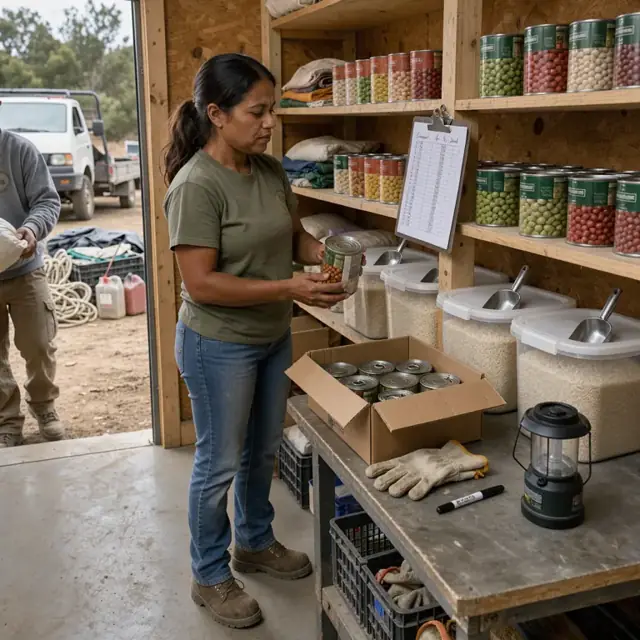
Supply and Inventory Manager
Convert weekly meal and activity plans into accurate supply orders and maintain par levels.
Works in: Ambitious Sheets, Ambitious Tasks, Ambitious Docs · Workflows: Weekly supply and food purchasing
Automates
- Calculates food and consumable needs from menus and schedules
- Subtracts current stock
- Drafts purchase lists by supplier
- Tracks fuel, linens and equipment status
Stops for a person
- The camp director places and approves all orders and expenditures
- Kitchen staff verify perishable substitutions

Activity and Staff Scheduler
Assign certified staff to daily activities, equipment and vehicles while maintaining required ratios and certifications.
Works in: Ambitious Tasks, Ambitious Sheets, Process Optimizer · Workflows: Daily activity and staff scheduling
Automates
- Matches staff certifications to activity requirements
- Allocates equipment and locations without conflicts
- Adjusts for weather or last-minute changes
- Produces daily staff rosters
Stops for a person
- The camp director confirms all waterfront and adventure assignments
- Program staff approve schedule changes on the day of

Arrival and Departure Coordinator
Build transportation manifests, check-in lists and handoff checklists for camper arrivals and departures.
Works in: Ambitious Tasks, Ambitious Docs, Ambitious Sheets · Workflows: Arrival, departure and transportation
Automates
- Creates arrival and departure manifests
- Schedules vehicle runs and times
- Generates medication and luggage checklists
- Tracks completed transfers
Stops for a person
- The camp director verifies all parent or guardian authorizations
- Nursing staff handle medication handoffs in person

Health and Safety Clerk
Maintain daily safety checklists, medication logs, certification renewals and permit tracking.
Works in: Ambitious Tasks, Ambitious Docs, Ambitious Sheets · Workflows: Health, safety and permit tracking
Automates
- Generates daily safety and medication checklists
- Logs completed entries and staff sign-offs
- Tracks certification and permit renewal dates
- Compiles weekly incident summaries
Stops for a person
- The camp director reviews and signs every log and checklist
- Nursing staff confirm all medication records
- The bot never certifies compliance
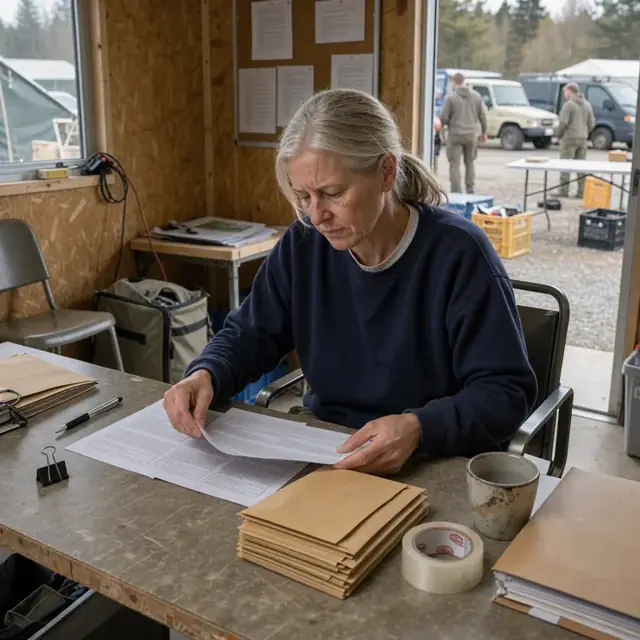
Post-Session Billing and Relations Host
Prepare final invoices, draft thank-you messages, collect feedback and update records for returning campers.
Works in: Ambitious Tasks, Ambitious Docs, Email Buckets · Workflows: Post-session billing and follow-up
Automates
- Compiles session extras into draft invoices
- Drafts thank-you notes and feedback requests
- Updates camper preference profiles
- Prepares early-bird offers for next season
Stops for a person
- The camp director approves and sends every invoice and message
- Photos are shared only after permissions are verified by staff
Workflows
Reservation intake and confirmation
Starts when: A family, school or group submits an inquiry or booking request by form or email
- Capture session dates, number of participants, ages, dietary needs and special requests
- Check availability against cabin and activity capacities for the requested week
- Draft a quote and deposit request
- Record medical, allergy and medication information in a secure summary
- Create a reservation task with all participant details
Watch for: Medical and allergy details must be captured exactly and never summarized by the bot; Group bookings may require staggered payment and separate waivers per participant
Weekly session preparation
Starts when: One week before each session start date
- Lock the participant list for the week
- Assign cabins, bunks and dining groups while respecting buddy and dietary requests
- Build the daily activity schedule using available staff, equipment and locations
- Generate personalized packing lists and information packets
- Flag any participants needing medication or mobility accommodations
Watch for: Cabin capacity and staff-to-camper ratios cannot be exceeded; Waterfront and high-adventure activities require certified staff present
Weekly supply and food purchasing
Starts when: After session participant list is locked and weekly on Mondays
- Explode the meal plan and activity schedule into food, fuel and consumable lists
- Subtract current inventory from pantry, shed and medical supplies
- Draft orders by supplier for perishables, linens and activity materials
- Track fuel levels for vans and generators
- Log equipment maintenance needs
Watch for: Perishable food ordered for exact session length; Special dietary items must be separated from standard supplies
Daily activity and staff scheduling
Starts when: Daily at 6am and when staff availability changes
- Assign staff to activities based on certifications and ratios
- Allocate equipment, vehicles and locations without double-booking
- Adjust schedule for weather or participant numbers
- Create daily rosters for counselors, lifeguards and kitchen staff
- Draft parent and staff communications for the day
Watch for: Lifeguard and first-aid certified staff required at waterfront and adventure areas; Vehicle drivers must hold appropriate licenses and current training
Arrival, departure and transportation
Starts when: Morning of arrival and departure days
- Build check-in and check-out manifests
- Assign arrival and departure transportation times and vehicles
- Track completed arrivals, departures and any no-shows
- Generate luggage and medication handoff checklists
- Draft 'welcome' and 'safe travels' messages
Watch for: Medication and health forms travel with the participant; Parent or guardian pickup verification required at departure
Health, safety and permit tracking
Starts when: Daily during sessions and on renewal dates
- Generate daily safety checklists for waterfront, high ropes and vehicles
- Log medication administration times and staff sign-offs
- Track staff certifications, background checks and training renewals
- Maintain equipment inspection and facility permit dates
- Compile weekly incident and health logs
Watch for: Local health department rules for food service and sleeping quarters differ by jurisdiction; All logs and forms are reviewed and signed by the camp director
Post-session billing and follow-up
Starts when: End of each session and on a seasonal cadence
- Compile final invoices including extras and damages
- Draft thank-you messages and photo links for approval
- Capture feedback and suggestions for next season
- Update waitlists and early-bird offers for next year
- Archive participant preferences for returning campers
Watch for: Final paperwork and billing require director approval before sending; Photos shared only after parental permissions are confirmed
Bot templates for this industry
- Recreational and Vacation Camps (except Campgrounds) (7 bots)
- Summer Camps (3 bots)
Source: U.S. Small Business Administration, Office of Size Standards, Table of Small Business Size Standards Matched to North American Industry Classification System Codes, version March 2023 (effective 2023-03-17, NAICS 2022). Size standards are shown for reference only.