

Mobile Food Services
Mobile food trucks, carts and trailers take orders at events, lots and routes, prep in compact galleys and serve fresh. For a truck that parks at office parks, breweries and weekend festivals, the specialists turn line orders and preorders into a prep list and schedule, track ingredients from commissary to service, and manage daily routes, permits and end-of-day cash out. Recipes, food safety and local vending rules stay with the operator.
What makes this business different
- Orders mix of line service and advance preorders with customizations and dietary notes
- Daily or event-based locations that change by day of week and season
- Compact galley with limited refrigeration, grill and oven space
- Commissary kitchen for overnight prep, cleaning and supply storage
- Daily health department setup inspections, fire permits and mobile vending licenses
- Real-time inventory that must last the service window with minimal waste
- Cash, card and app payments with end-of-day reconciliation
- Seasonal events, festivals and private bookings that require advance scheduling
Specialist bots
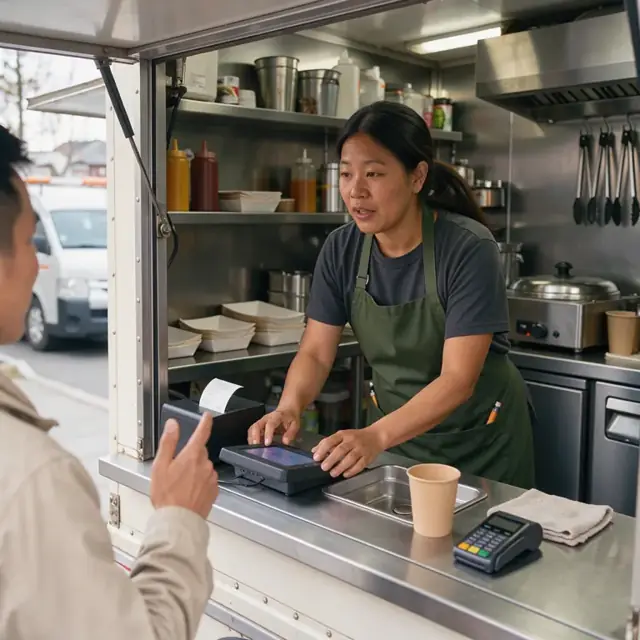
Order Taker
Turn every window, app and pre-order into a confirmed galley ticket with exact specs.
Works in: Ambitious Tasks, Ambitious Docs, Email Buckets · Workflows: Order intake and customization
Automates
- Reads incoming pre-orders and text messages
- Captures customizations, swaps and allergens
- Creates the galley ticket
- Adds order to running sales tally
- Flags low-inventory items
Stops for a person
- The operator approves any off-menu requests
- Allergen and dietary questions are answered by the operator
- A person handles all payments and final confirmations
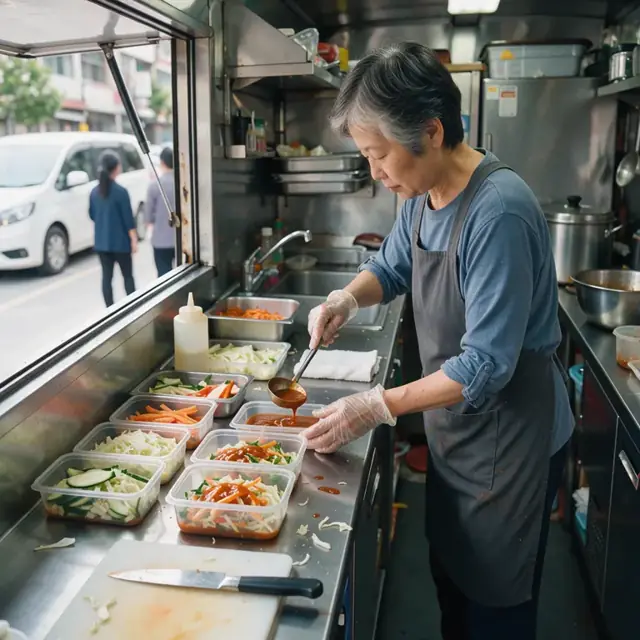
Prep and Batch Scheduler
Turn expected daily volume into a timed galley prep plan and labels.
Works in: Ambitious Tasks, Process Optimizer, Ambitious Docs · Workflows: Daily prep and batch schedule
Automates
- Groups menu items by shared ingredients and cook methods
- Builds the hour-by-hour prep schedule
- Prioritizes allergen-free batches
- Generates portion labels with dates and contents
Stops for a person
- The operator reviews and adjusts the prep schedule
- Final temperature and labeling checks are performed by a person

Inventory and Supply Manager
Track ingredients from commissary pull through service and flag reorder needs.
Works in: Ambitious Sheets, Ambitious Tasks · Workflows: Commissary inventory and supply pull
Automates
- Compares planned volume to current par levels
- Generates the daily pull list
- Subtracts used stock and logs waste
- Drafts supplier reorder lists
Stops for a person
- The operator physically checks and loads all pulled items
- Any recipe changes or substitutions are approved by the operator
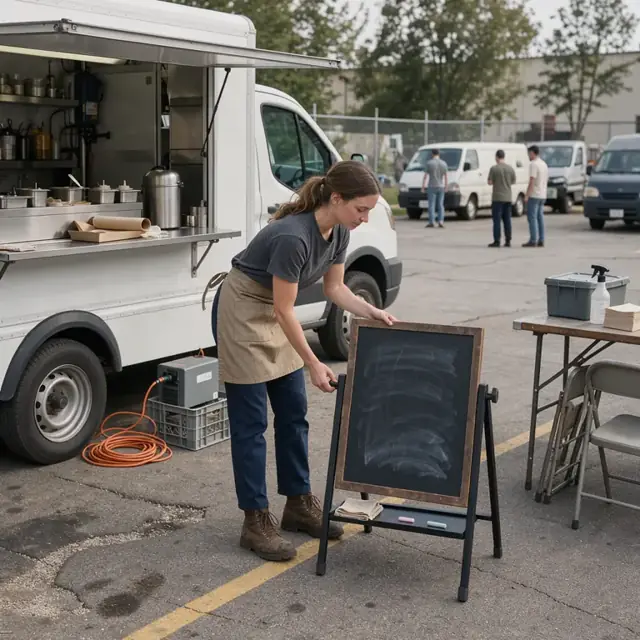
Route and Location Dispatcher
Plan daily stops, confirm locations and track actual arrival times.
Works in: Ambitious Tasks, Ambitious Docs · Workflows: Daily route and location dispatch
Automates
- Sequences stops with drive and setup times
- Checks permit validity for each location
- Drafts location confirmation messages
- Logs actual service times and issues
Stops for a person
- The operator decides on weather or traffic reroutes
- All messages to hosts or customers are approved before sending

Service Window Coordinator
Monitor real-time inventory during service, update availability and coordinate galley tickets.
Works in: Ambitious Tasks, Ambitious Sheets · Workflows: Service window and point of sale operations
Automates
- Tracks items sold and remaining stock
- Flags when items are nearing 86
- Updates the digital menu board
- Routes tickets to the galley in sequence
Stops for a person
- The operator makes final decisions on 86ing items
- All customer-facing updates are confirmed by a person

End-of-Day Closeout Clerk
Reconcile sales, log remaining inventory and generate the daily closeout report.
Works in: Ambitious Sheets, Ambitious Docs, Ambitious Tasks · Workflows: End of day closeout and reconciliation
Automates
- Compares payment totals to point of sale records
- Calculates remaining inventory and waste
- Generates cleaning and next-day prep checklists
- Drafts the daily sales and deposit summary
Stops for a person
- The operator counts cash and makes the deposit
- All final reports and logs are reviewed and signed off by the operator

Permits and Safety Clerk
Run daily health and safety checklists and track all permits and inspection dates.
Works in: Ambitious Tasks, Ambitious Docs, Ambitious Sheets · Workflows: Permits, inspections and compliance tracking
Automates
- Generates opening and closing checklists
- Logs temperatures, sanitizer levels and handwashing times
- Tracks permit and inspection renewal dates
- Keeps allergen and ingredient lists updated
Stops for a person
- The operator confirms which local and event-specific rules apply
- All inspections and corrective actions are handled by people
- The bot never certifies compliance
Workflows
Order intake and customization
Starts when: Customer orders at the window, by app, text or pre-order form
- Capture the menu item, each customization, allergens and dietary notes
- Check against current inventory and what the galley can produce in the service window
- Confirm price and payment method
- Create a kitchen ticket with exact specs
- Add to running prep and sales tally
Watch for: Allergens must be flagged immediately for separate handling; Line orders must be prepared in first-in-first-out sequence during rushes
Daily prep and batch schedule
Starts when: Morning after commissary arrival or night before
- Pull the expected order volume and specials for the day
- Build a timed prep plan for proteins, sides, sauces and toppings
- Portion and label everything for the galley reach-in
- Flag items needing separate allergen-free tools or surfaces
- Update the digital menu board with available items
Watch for: Limited galley space requires precise mise en place; Hot and cold holding temperatures must be logged before service
Commissary inventory and supply pull
Starts when: Before leaving commissary and after each service day
- Check par levels against the day's menu and expected volume
- Pull and load ingredients, packaging and propane
- Subtract pulled stock from commissary inventory sheet
- Record any waste or items needing reorder
- Draft next commissary shopping or supplier list
Watch for: Perishables cannot be left in the truck overnight without refrigeration; Commissary health rules require all food to be stored at proper temperatures
Daily route and location dispatch
Starts when: Night before or morning of service
- Load confirmed stops, event times and drive times
- Build the sequence with travel, setup and breakdown buffers
- Draft location confirmation messages to hosts or customers
- Check current permits and licenses for each stop
- Record actual arrival, service start and any deviations
Watch for: Some cities require permits posted visibly at each location; Weather or traffic can force last-minute location changes
Service window and point of sale operations
Starts when: At the start of each service window
- Run opening checklist for equipment, temperatures and sanitation
- Update menu board and post any sold-out items in real time
- Process each order through the point of sale while calling tickets to the galley
- Monitor inventory levels during service and 86 items when necessary
- Log any customer feedback or special requests
Watch for: Rush periods require tight coordination between front and galley; Food must stay within safe holding temperatures throughout service
End of day closeout and reconciliation
Starts when: After service window ends and truck returns to commissary
- Reconcile cash, card and app payments against point of sale totals
- Log remaining inventory and any waste
- Run cleaning and sanitizing checklist for galley and equipment
- Record next day's prep needs and location
- Draft deposit and sales report
Watch for: All food waste and grease must be disposed of according to local health rules; Truck and equipment must be fully cleaned before leaving commissary
Permits, inspections and compliance tracking
Starts when: Before each move and on renewal dates
- Generate daily setup checklist including handwashing, temperatures and sanitation
- Track mobile vending permit, commissary agreement and fire extinguisher inspection dates
- Log all temperature checks and sanitizer concentrations
- Flag upcoming health department inspections or renewal deadlines
- Keep ingredient and allergen lists current with recipes
Watch for: Permit and health rules vary by city, county and event venue; The operator confirms which requirements apply at each location
Bot templates for this industry
- Mobile Food Services (7 bots)
Source: U.S. Small Business Administration, Office of Size Standards, Table of Small Business Size Standards Matched to North American Industry Classification System Codes, version March 2023 (effective 2023-03-17, NAICS 2022). Size standards are shown for reference only.